
Greenville has become an easy yes for meeting planners. A walkable downtown, a real food scene, Falls Park a few minutes from the ballroom, and GSP International a short drive away. What usually isn't easy is the AV — especially when you're planning a conference from three states away and meeting your production team for the first time on load-in day.
We produce corporate meetings, summits and annual conferences across Greenville and the Upstate. Here's the AV planning guide we wish every out-of-town planner had before signing a hotel contract.
1. Read the AV clause before you sign the hotel contract
Most full-service hotels have a preferred or in-house AV provider, and the hotel contract often says something about it. Look for three things before you sign:
Outside vendor rules. Can you bring your own production company? Most hotels allow it, but some require insurance certificates, advance notice, or a hotel staff liaison.
Patch, power and rigging fees. Some venues charge to connect an outside sound system to the house system, to supply dedicated power, or to hang anything from the ceiling. These are negotiable before signing — rarely after.
Load-in access. Dock times, freight elevator size and whether the room is released the night before all change your labor bill.
A five-minute call with your production partner before you sign costs nothing. Finding the patch fee on your final invoice costs a lot more.
2. Plan for the general session — then everything else
The general session is what your attendees, your executives and your sponsors will judge the event by. Build it first:
Screens sized to the room. A rule of thumb: the farthest seat should be no more than six to eight screen heights away. Two side screens plus a center LED wall or a wide center screen covers most ballrooms.
Audio that reaches the back row. Ceiling speakers are built for background music, not keynotes. A proper front-of-house system with delay speakers for long rooms is the difference between a presentation and a hum.
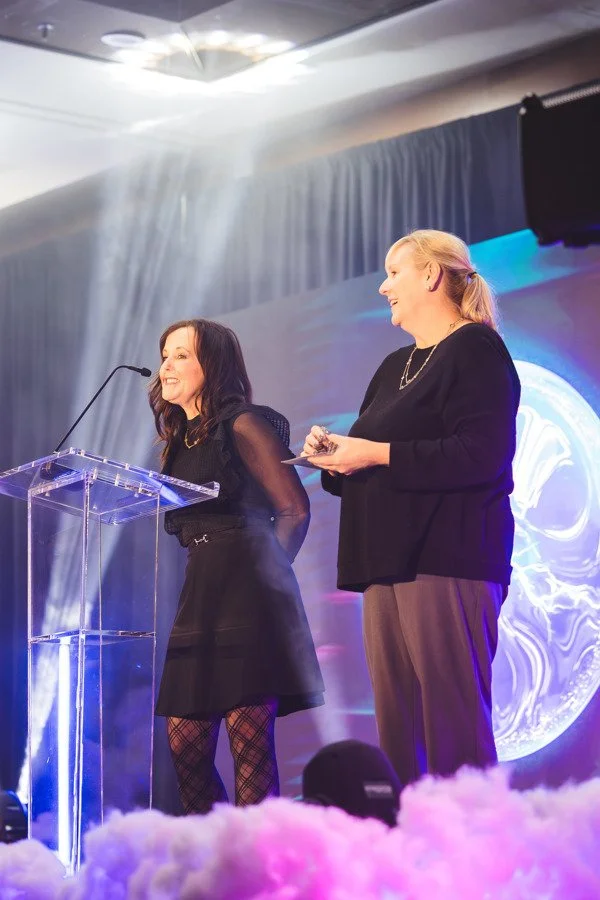
Stage lighting. Presenters need front light to look like themselves on camera and on screen. Uplighting and wash on the backdrop is what makes a hotel ballroom stop looking like a hotel ballroom.
Breakouts matter, but they're a projector, a screen, a podium mic and a clicker. Spend the planning energy where the whole audience is sitting.
3. Ask who's actually running the show
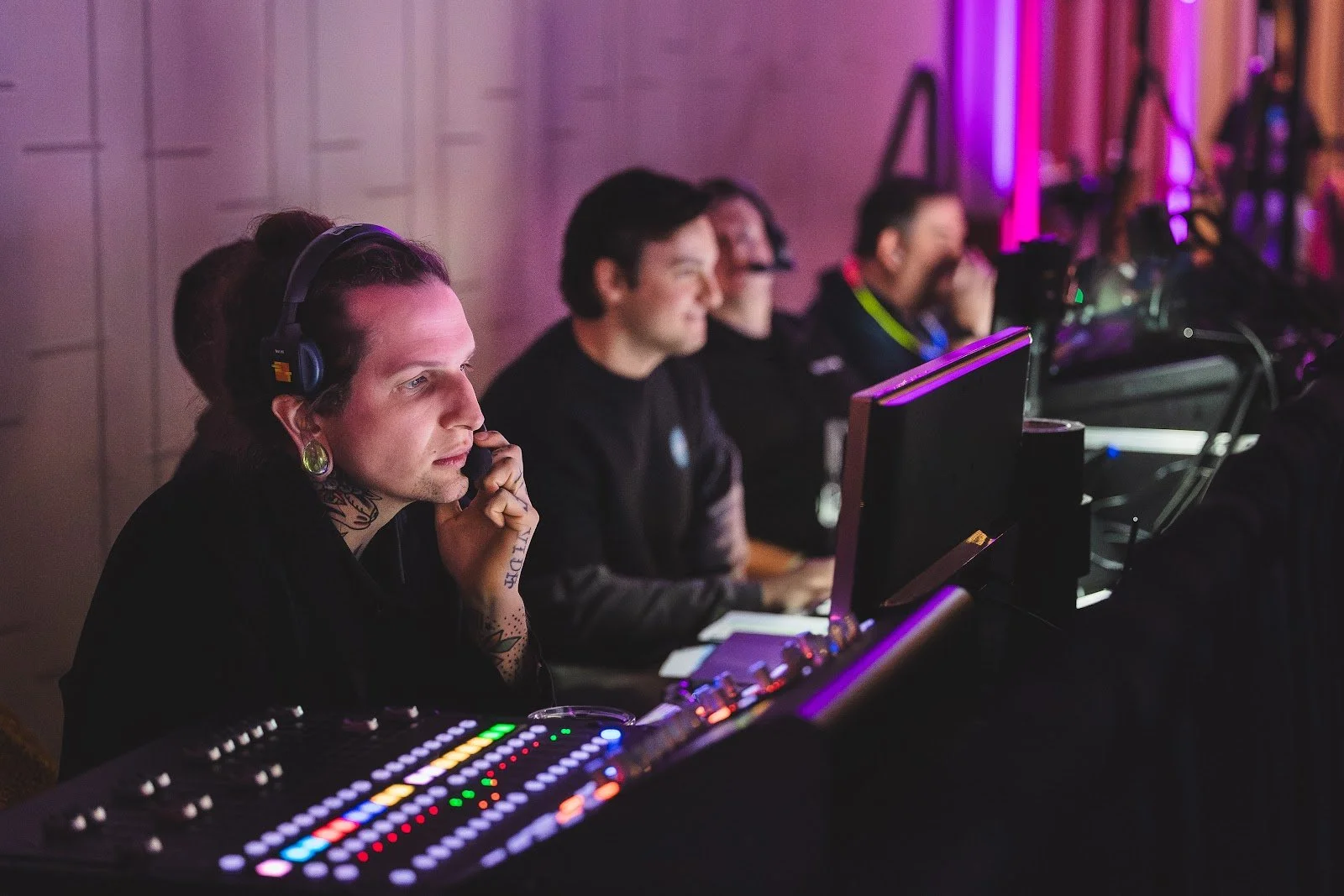
A rental company delivers gear. A production company runs the room. On show day you want named people in named seats:
An A1 / audio engineer mixing every mic and video playback.
A video / graphics operator running slides, walk-in loops, sponsor slides and lower thirds.
For larger shows, a show caller working from a cue sheet so every walk-up, video and award lands on time.
If the answer to "who's running audio during the keynote?" is "the hotel can call someone," that's your answer.
4. Send content early — and in one place
The most common show-day problem we see isn't equipment. It's content: the CEO's deck arriving at 7:45 a.m. in the wrong aspect ratio, a video with no audio track, a speaker who needs their own laptop at the podium.
Lock the screen format (16:9 is standard) and send a branded slide template to every presenter.
Set a content deadline at least 48 hours before doors, and build a speaker-ready room or table for last-minute changes.
Collect run of show, speaker list, walk-up music and videos in a single shared folder. Your production team should be working from one cue sheet, not your inbox.
5. Build the schedule around load-in and rehearsal
Out-of-town planners often book the room for the event and forget the room has to be built first. For a typical single-ballroom general session, plan on:
Load-in and build the afternoon or evening before, when the room is free.
A tech check and rehearsal with your key presenters — even 30 minutes catches most problems while there's still time to fix them.
Strike after the closing session, with enough time before the next group's set.
Ask the hotel about overnight room holds early. A pre-set room the night before is the cheapest insurance you can buy.
6. Don't forget the small things attendees notice
Table power at registration, the speaker table and anywhere attendees will sit with laptops for more than an hour.
Wi-Fi expectations. Hotel Wi-Fi is built for guests checking email, not 400 people on a live poll. If you're streaming, polling or presenting from the cloud, get a dedicated circuit in writing.
Hybrid and recording. If any session will be streamed or recorded, decide before the event — camera positions and audio feeds are much easier to plan than to add.
The evening event. Awards dinners and receptions at a second venue — Falls Park, a rooftop, the Grand Bohemian Lodge — need their own sound, lighting and power plan.
7. Hire local when the show is local
Flying in a production crew means airfare, hotel rooms, per diems and a truck that left two days ago. A Greenville-based production partner already knows the loading docks, the house electricians and where the power actually is in the rooms you're booking. That local knowledge shows up on your invoice and on your show.
The short version
Read the AV clause before you sign. Put your budget into the general session. Know who's running the room. Get content in early. Book the room for load-in, not just the event. Most AV problems are planning problems that show up on show day.
Bringing a conference, summit or annual meeting to Greenville? Talk with Uptown Pro AV before you sign the hotel contract — we'll tell you what to look for, and what to ask for.